Payments · PayPal World · August 2026
PayPal in China 2026: US App QR at Weixin Merchants (Aug Update)
PayPal’s 11 August 2026 newsroom update: US PayPal users can make in-store QR payments at Weixin Pay merchants across China through the PayPal app—powered by PayPal World and Tencent’s TenPay Global—with no additional Chinese wallet or Chinese bank account required. Treat it as a useful third rail beside Alipay and WeChat Pay, not a full replacement.
PayPal China QR code payments for US travelers are now an announced, available path: use the US PayPal app at Weixin Pay merchants by scanning a merchant QR or presenting an in-app QR where supported. Non-US PayPal accounts should not assume the same button exists. Keep Alipay and WeChat Pay bound to a foreign card as backup, and prepay hotels/trains on Trip.com so large bills never depend on street QR alone.
Update the PayPal app, fund PayPal Balance (and set up Auto Reload if your account offers it), enable location services, and practice the in-store payment entry at home. Then still finish Alipay and WeChat Pay setup. PayPal World does not erase China’s dual-wallet reality.
| Claim | What PayPal said (11 Aug 2026) |
|---|---|
| Who | US PayPal users |
| Where | In-store QR at Weixin Pay merchants across China |
| Extra Chinese bank / wallet? | No additional app, local wallet, or Chinese bank account required (newsroom wording) |
| How | Scan merchant QR or present PayPal in-app QR where supported |
| Stack | PayPal World + TenPay Global |
| Availability | Described as available today for US users |
What PayPal announced on 11 August 2026
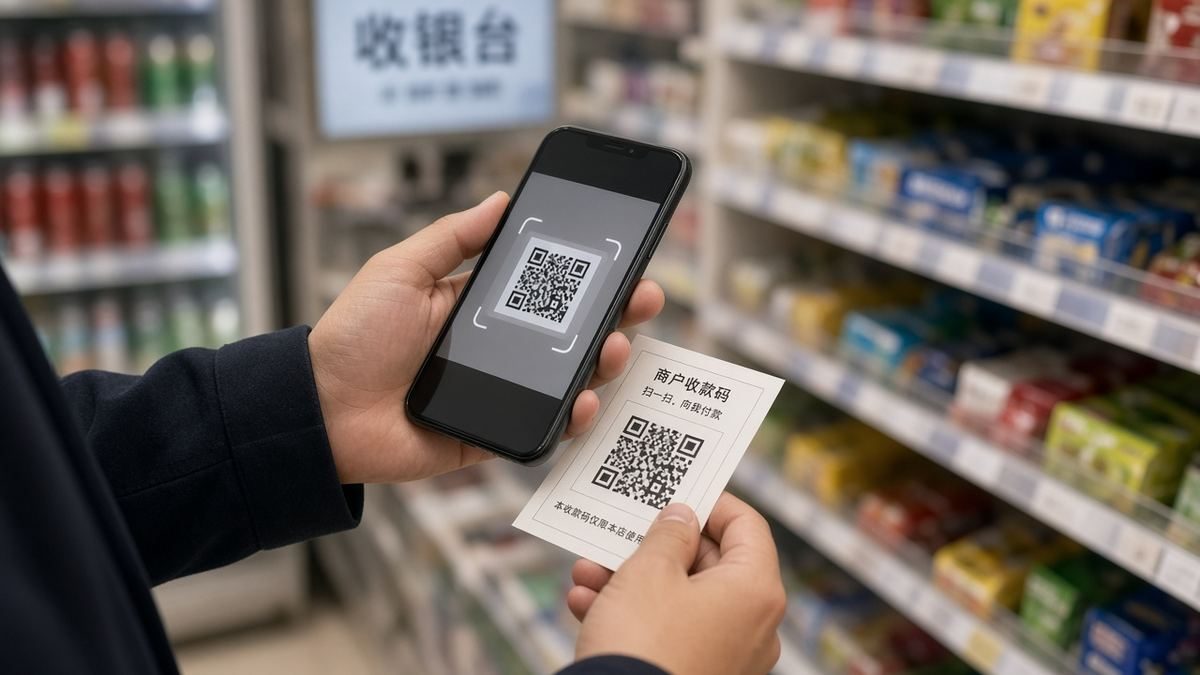
PayPal’s newsroom post states that US PayPal users can use the PayPal app to make in-store QR code payments at Weixin Pay merchants across China. The experience is framed as cross-border wallet interoperability: PayPal World connects wallets under a common framework, and TenPay Global provides Tencent’s cross-border payment rail into the Weixin merchant network.
- Pay like a local at Weixin Pay merchants by scanning a merchant QR or presenting a PayPal in-app QR for the merchant to scan.
- Travel with the familiar PayPal app rather than opening a Chinese bank account for this path.
- Traveler prep tips published in the same release: update the app, fund Balance / Auto Reload, enable location, and familiarize yourself with in-store pay before departure.
Soft UI language
If your PayPal app shows an in-store / China / Weixin payment entry after update, use that path. Button names and menu nesting change by app version. This page will not invent fixed official error codes or guarantee every cafe QR will open the China flow.
Who this covers—and who it does not
| Traveler / product | Expectation after the Aug 2026 note |
|---|---|
| US-based PayPal account | Primary launch audience; in-store Weixin merchant QR described as available |
| Non-US PayPal (EU, UK, Canada, AU, etc.) | Not the stated launch audience—assume unavailable until PayPal/Tencent say otherwise; default to Alipay/WeChat card bind |
| OTA checkout with PayPal | Separate product path. Booking PayPal on a website ≠ cafe Weixin QR via PayPal World |
| Personal WeChat red packets / peer QR | Merchant Weixin Pay network is the announced target—do not assume every personal QR works |
| Sending money into a WeChat wallet (remittance) | Different product historically (e.g. remittance-style flows)—not this merchant QR path |
In-store QR vs remittance vs “link PayPal inside WeChat”
Three different ideas get mixed up in search results:
- In-store merchant QR (this article): You open the PayPal app in China and pay a Weixin Pay merchant. No Chinese bank account required per PayPal’s wording.
- Remittance / send-to-wallet products: Moving money to someone’s wallet from abroad. Different compliance rails, different eligibility, different UI. Do not treat remittance success as proof that cafe QR will work.
- Waiting for a universal “Add PayPal” toggle inside WeChat Pay settings: The announced August path is PayPal app ↔ merchant QR via PayPal World / TenPay Global. If your WeChat build never shows a PayPal toggle, that does not by itself mean the PayPal-app QR path is broken.
Day-to-day China payment context (Alipay + WeChat as the default tourist stack): ultimate China payment guide 2026.
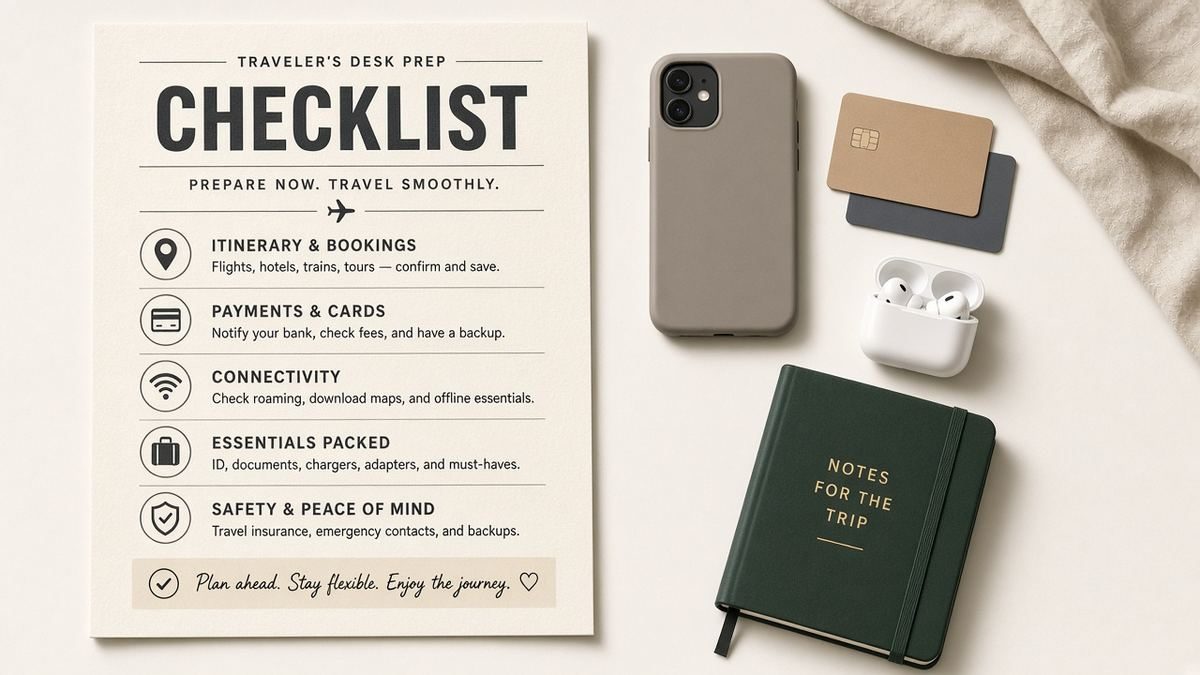
Step-by-step prep checklist (US travelers)
At home (7–14 days before departure)
- Update the PayPal app to the latest version on home Wi-Fi (iOS App Store / Google Play—not APK sideloads).
- Confirm you are on a US PayPal account that can see Balance features. If you are dual-country, verify which login you will use in China.
- Fund PayPal Balance with enough runway for taxis, meals, and small shops. Set up Auto Reload if your account offers it, so a busy travel day does not drain to zero mid-queue.
- Enable location services for PayPal and review the in-store payment experience in the app before you fly—PayPal’s own traveler tips list these steps.
- Tell your bank / card issuer you will travel to China if Balance tops up from a linked US card (fraud filters still matter).
- Still install and verify Alipay + WeChat Pay with a foreign Visa/Mastercard: Alipay without Chinese bank, WeChat Pay for foreigners, WeChat Pay setup walkthrough.
- Arrange mobile data so QR pay works after landing: VPN vs eSIM hub; China eSIM on Trip.com.
- Prepay big-ticket items on your home card: hotels and trains on Trip.com so street QR is for small daily spend only.
After landing
- Turn on data / eSIM before you leave the airport Wi-Fi bubble.
- Open PayPal once on stable data; if your app shows the China / Weixin in-store entry, try a low-stakes purchase (convenience store) before a long restaurant bill.
- If the merchant QR fails, switch immediately to Alipay or WeChat Pay rather than arguing at the counter.
- Keep a small stack of RMB cash as last resort—see the payment hub for cash/ATM context.
When PayPal fails—what to do next
| Symptom (traveler-reported style) | Next move |
|---|---|
| No China / Weixin in-store option in the app | Confirm US account + latest app. If still missing, treat PayPal as unavailable for this trip and use Alipay/WeChat. |
| Merchant QR scans but payment declines | Check Balance / Auto Reload; try Alipay or WeChat with the same purchase; do not hammer retry loops on large amounts. |
| Merchant says they only take “WeChat / Alipay” | PayPal World targets Weixin Pay merchants, but staff may not recognize the PayPal brand. Use Alipay/WeChat QR they already know. |
| Works at malls, fails at tiny stalls | Expected variance. Personal QR and offline stalls remain edge cases—carry cash + Alipay/WeChat. |
| No mobile data | QR wallets need a network. Fix eSIM/Wi-Fi first (internet hub). |
| Hotel / train still unpaid | Do not rely on street QR for big bookings—prepay on Trip.com. |
PayPal vs Alipay vs WeChat vs Trip.com prepay
| Method | Best for | Limits to remember |
|---|---|---|
| PayPal app (US) → Weixin merchants | US travelers who already live in PayPal; many Weixin merchant QRs | US-first; not every stall; needs Balance + data |
| Alipay (foreign card) | Restaurants, shops, many transit and deposits | Passport verify / bank declines still happen—Alipay guide |
| WeChat Pay (foreign card) | Merchants who lead with WeChat; messaging + pay in one ecosystem | Setup friction for some foreigners—WeChat Pay guide |
| Trip.com prepay (home card) | Hotels, trains, flights, eSIM before and during the trip | Different pipeline from street QR; reduces large on-street bills |
| RMB cash | Backup, tiny vendors, failed QR moments | Not enough alone in cities that expect wallets |
Still recommend Alipay + WeChat as backup even if PayPal World works on day one. Merchant education, offline mode, metro quirks, and hotel deposits often still route through the local wallets. Full stack: payment guide.
Build the rest of the China trip stack
Payment is one layer. Pair it with entry rules, hotels that accept foreign passports, and rail bookings in passport name:
- Entering China as a foreigner and how to prepare for China in 2026
- Foreigner-friendly hotels
- How to book China trains on Trip.com
- Packing list (VPN, Alipay, clothing)
FAQ
Can I use PayPal in China in 2026?
For US PayPal users, PayPal’s 11 August 2026 newsroom post says yes for in-store QR at Weixin Pay merchants via the PayPal app. Non-US accounts should not assume the same feature.
Do I need WeChat installed to pay with PayPal?
PayPal’s August wording emphasizes paying with the PayPal app at Weixin merchants—not opening a Chinese bank wallet. Keep WeChat installed anyway for messaging and as payment backup.
Do I need a Chinese bank account?
For this announced PayPal World path, PayPal says no additional Chinese wallet or Chinese bank account is required. Alipay/WeChat tourist card-binding also typically does not require a mainland bank account for short trips—see our payment guides.
Does every street stall accept PayPal?
No. The merchant must be on Weixin Pay rails and your app must show the China QR flow. If it fails, switch to Alipay, WeChat Pay, or cash.
Is this the same as remittance into WeChat?
No. Remittance / send-money products are a different pipeline from in-store merchant QR via PayPal World and TenPay Global.
EU / UK / Canada PayPal?
Not the stated launch audience. Confirm inside your app; default to Alipay/WeChat international card binding and Trip.com prepay.
Should I skip Alipay if PayPal works?
No. Keep Alipay and WeChat Pay as backups. Coverage, staff familiarity, and edge-case merchants still favor the local wallets for many trips.