Trip.com · Booking · 2026
Trip.com Payment Failed on an International Card (2026)
A failed Trip.com checkout is usually your bank or 3D Secure, not proof the site is a scam. This page follows Trip.com’s own rule—confirm the order before paying again—plus issuer-side steps many travelers use. We did not live-test a 2026 checkout for this draft; verify on your screen.
Trip.com payment failed? Check My Bookings and contact Trip.com before you pay again—their terms warn against resubmitting the same payment. Meanwhile, open your banking app: approve any 3D Secure prompt and confirm international / online use is allowed on the card.
Most Trip.com payment failed screens trace to your card issuer (decline, 3D Secure not finished, billing mismatch) or to risk controls on repeated attempts—not a broken website. Trip.com’s published terms tell you to stop resubmitting the same payment and confirm the booking with customer service first. Stuck refunds are a different problem—see our refund delay guide.
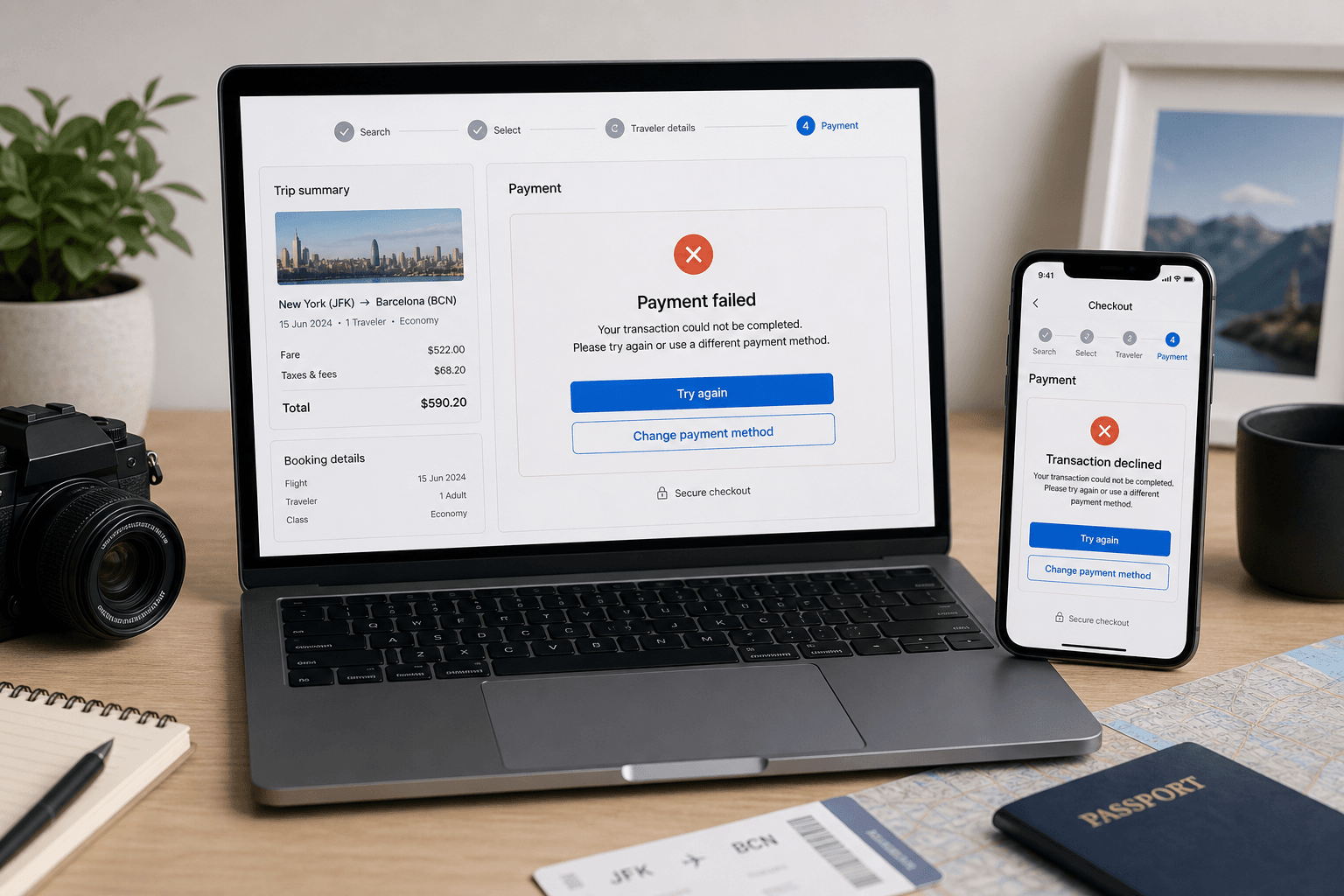
Common error wording (reported by travelers)
Trip.com does not publish a fixed error-code dictionary for every locale. Wording changes by app version, currency, and product (flight, hotel, train). Map your screen to the closest row—your label may differ.
| What you see | Likely cause | First fix |
|---|---|---|
| Payment failed / transaction declined | Bank fraud filter or insufficient funds | Bank app → approve travel charge → retry once |
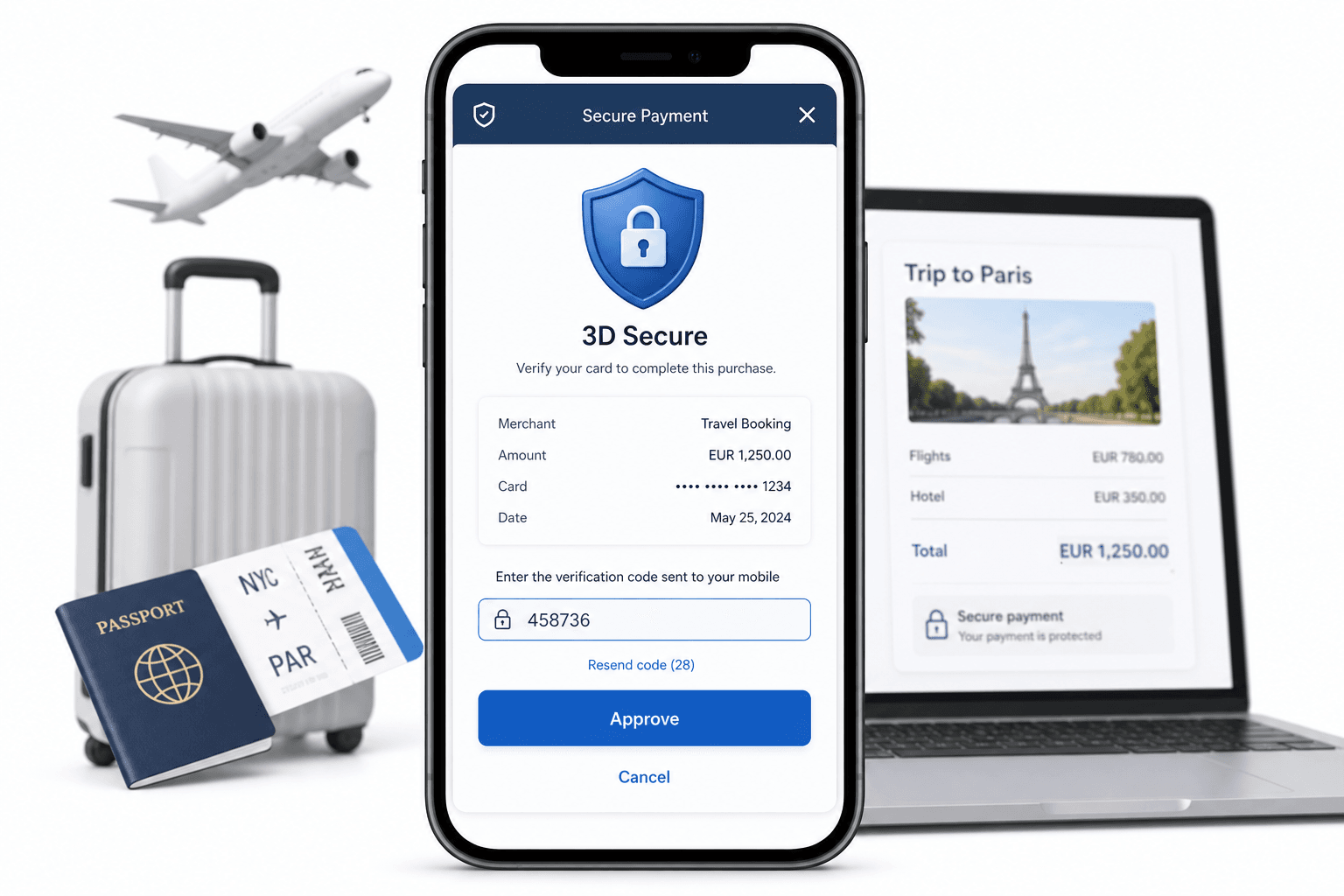
| 3DS / authentication failed / timeout | OTP not entered, bank page closed early | Complete 3D Secure on same device |
| Risk control / unable to process | Often tied to repeated attempts or mismatched location signals (reported) | Pause attempts; contact CS; try later or another payment method if offered |
| Card type not supported | Checkout may not accept your card brand/type for that product | Try another Visa/Mastercard; check methods on the payment page |
| Pending forever, no confirmation email | Payment authorized but supplier not ticketed | Do not rebook; charged-but-no-ticket steps |
Still unsure if the platform is legitimate? Read Is Trip.com legit? separately from this technical checkout issue.
3D Secure (3DS) — the step most travelers skip
Many international cards use 3D Secure: after you tap Pay, your bank opens a verification page or push notification. If you close that step early, checkout can show failed even when the card itself is valid—the issuer never authorized the charge.
- Use one device: Start checkout on phone, finish 3DS on the same phone—do not hand off to a laptop mid-flow.
- Banking app open: Many EU and UK banks use app approval instead of SMS codes.
- SMS roaming: If your bank still texts OTPs, ensure your home SIM can receive SMS while abroad, or complete the purchase before you fly.
- Pop-up blockers: On desktop, allow pop-ups for Trip.com and your bank domain for that session only.
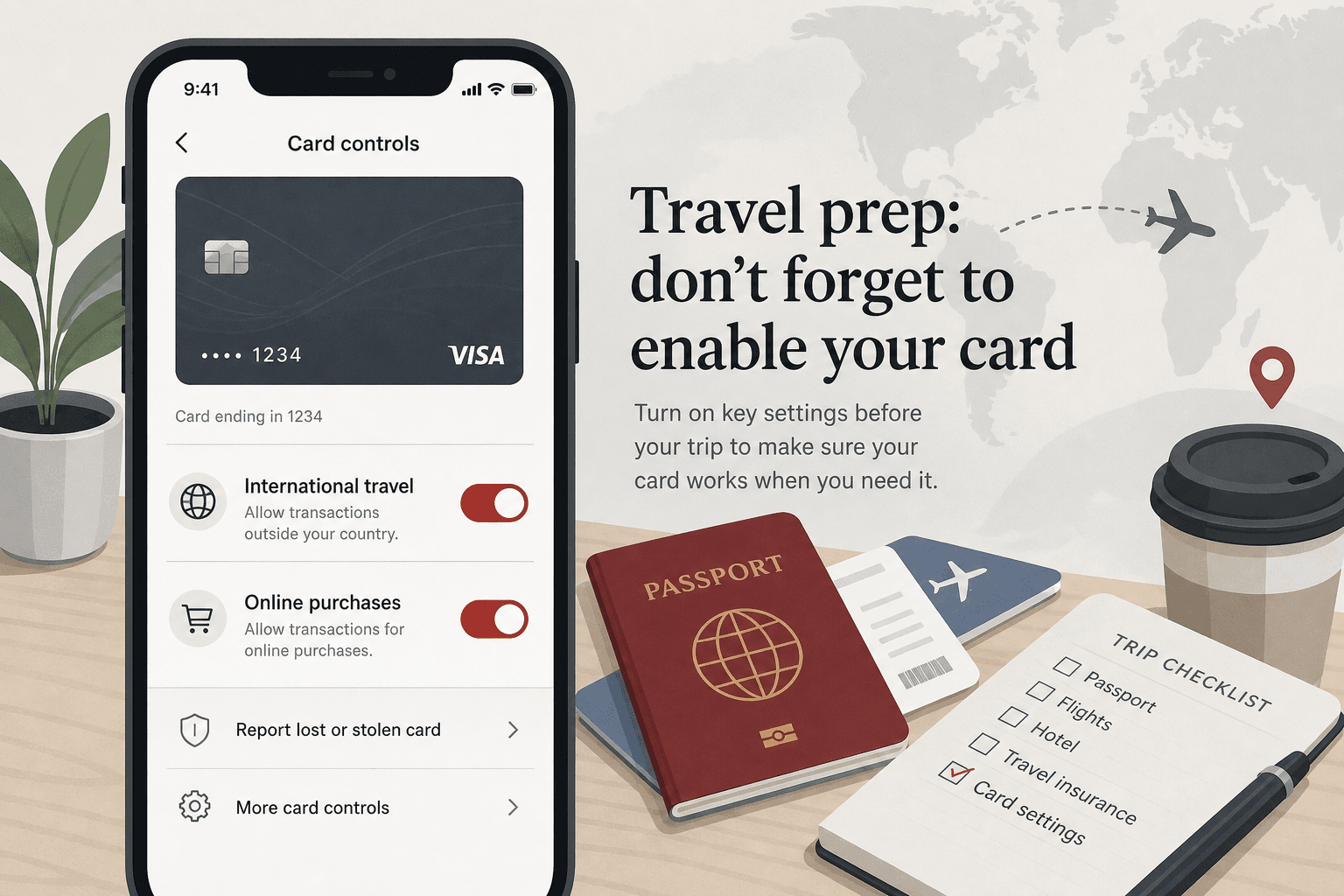
Bank-side blocks (travel notices and fraud filters)
Banks often flag first-time online travel charges to merchants outside your home country, even when Trip.com displays USD or EUR on the payment page. Your issuer may also add international transaction fees (Trip.com’s terms note this). Before any new attempt:
- Log into your bank app → Cards → look for travel notices, international online purchases, or fraud alerts.
- Add a note: “Online travel booking” with dates covering your checkout attempt.
- Call the number on the back of the card if the app shows a hard decline with no retry option.
Some travelers report fewer declines when checkout IP and card billing country align. If you use a VPN, try payment on a normal home-country connection first, then re-enable the VPN only if you still need it for other apps.
Card type, billing name, and product quirks
Methods Trip.com lists publicly
- Credit and debit cards (Visa, Mastercard, and other brands shown on your payment page).
- PayPal, Apple Pay, Google Pay when your regional checkout offers them—not every country or product shows every wallet.
When travelers still see declines
- Prepaid or gift cards without reliable 3D Secure.
- Virtual card numbers if the issuer blocks the merchant category.
- Name or billing mismatch on rail and flight bookings—align passport spelling with the cardholder name where the form requires it.
- Trains only: if flights or hotels pay but trains fail, try another card or our Trip.com train booking guide for passport-name checks—product rules differ by route.
Use the same email and phone on Trip.com you can access for confirmation codes. For Ctrip vs Trip.com account confusion, see Ctrip vs Trip.com.
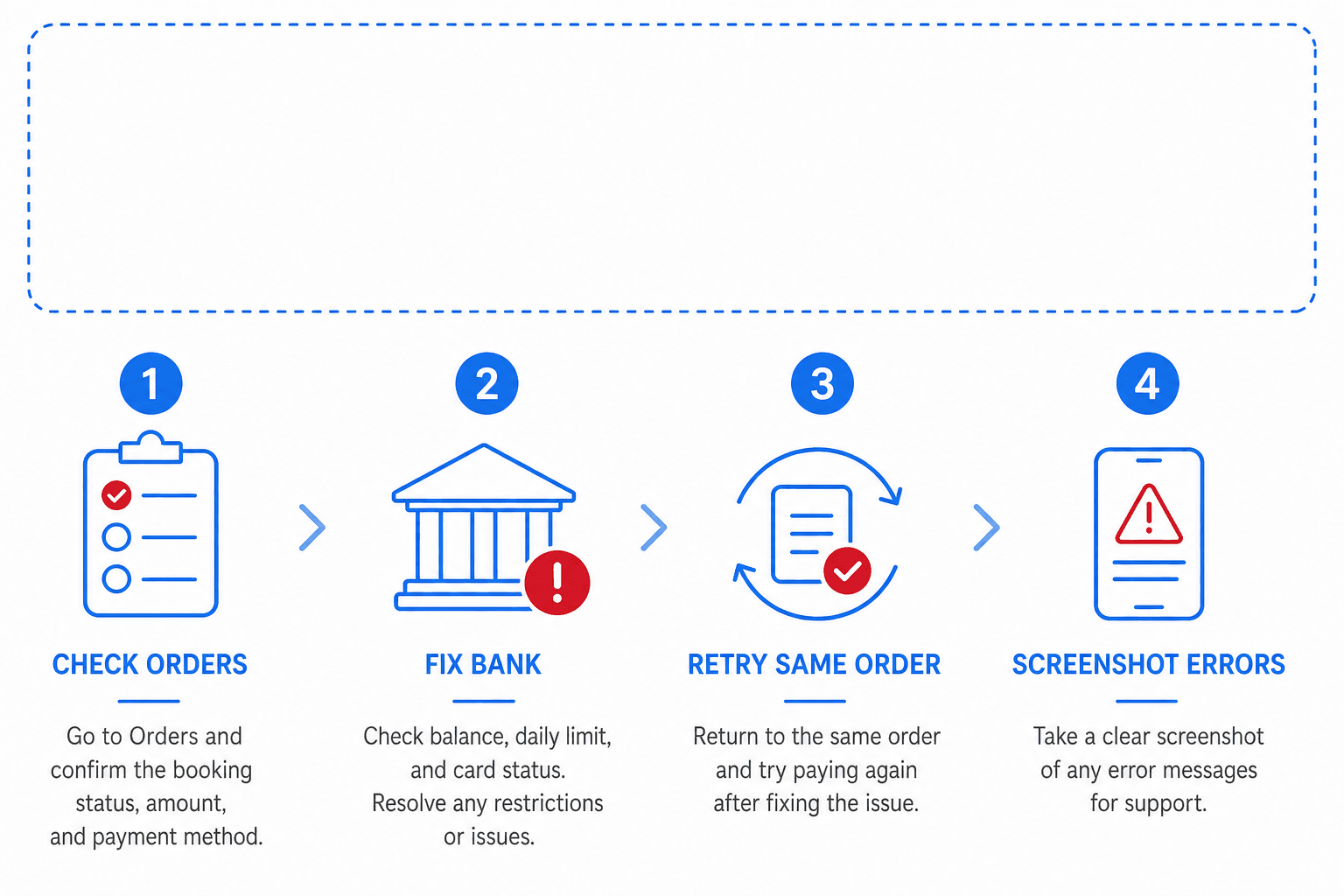
What to do next (aligned with Trip.com’s payment rule)
Trip.com’s US terms state: if you have a problem when you submit payment, do not submit the payment again—contact customer service to learn whether the booking succeeded. Use that order before starting a brand-new duplicate itinerary.
Fixing Trip.com with your home-country card does not replace setting up Alipay or WeChat Pay for street spending after you land. Do both: Trip.com for pre-trip inventory, mobile pay for metros and restaurants—Alipay & WeChat Pay setup.
Card charged but no confirmation (different from payment failed)
Sometimes the bank shows a pending hold while Trip.com still shows unpaid or processing. That can be authorization before ticketing—reported more often on busy train routes, but timing varies by product.
- Wait for the status shown on the order page or in the confirmation email before paying again.
- Save order number and bank authorization code.
- Use in-app support; ask whether the ticket is ticketed or the hold will release.
- If money posts as a full charge without a voucher, follow refund and chargeback timing before disputing casually.
FAQ
- Why does Trip.com keep saying payment failed?
- Usually incomplete 3D Secure, bank decline, or too many rapid retries. Less often: unsupported prepaid card or a rail product that rejects your card type. Fix bank + 3DS first.
- Does Trip.com accept international Visa and Mastercard?
- Trip.com lists major credit and debit cards on its payment methods page; whether checkout succeeds still depends on your issuer, 3D Secure, and the product you book. If one product fails, try another card or a wallet option your page displays.
- Will I be charged twice if payment failed?
- Failed attempts sometimes leave a short pending hold that drops off. Confirmed duplicate orders can double-charge—always check My Bookings before paying again.
- Should I use PayPal on Trip.com?
- Only if your checkout page shows PayPal for that booking—Trip.com says availability depends on location and product. Compare cancellation and refund rules on the fare before switching methods.
- Payment failed only on trains—flights work. Why?
- Different products can use different payment paths and validation (passport names, seat inventory). Switch card or payment method, confirm spelling on the train form, and use live chat with the order ID; see our train booking guide.
- Is a failed payment a sign Trip.com is a scam?
- No—scam fears and technical declines are different problems. Scams arrive via fake links in DMs; technical declines happen on the real site with order IDs visible in your account. Use partner links from Book Your Trip.
We may earn a commission from Trip.com partner links. This guide is editorial troubleshooting, not a guarantee your card will clear. Bank and Trip.com UI change by region—verify on your checkout screen and on Trip.com’s live terms. See How we test.