Digital Survival Kit · Connectivity
Great Firewall in China 2026: eSIM vs VPN
Google, WhatsApp, and Gmail do not load on plain Chinese mobile data or hotel Wi-Fi. The fix is not one app—it is knowing when roaming eSIM beats VPN, and when you still need both.
Mainland China filters a long list of foreign sites and apps at the network level. In 2026, most travelers solve phone access with a travel eSIM that routes through Hong Kong or Singapore—then add a VPN for laptops on hotel Wi-Fi.
From comparing VPN reliability to the rising use of eSIM-based roaming solutions, this guide focuses on what really works right now—so you don’t lose access to the apps and services you rely on.
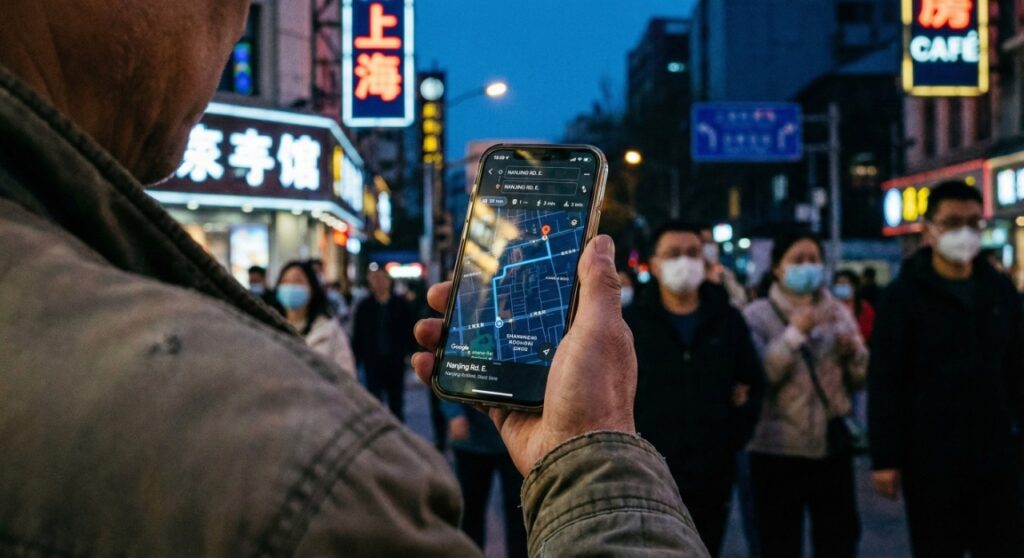
For over a decade, the default tunnel was a Virtual Private Network (VPN). In 2026, eSIM roaming is often the faster phone fix—but it does not replace VPN on every device. See our Digital Survival Kit for the full stack.
The first rule: set up before you board
Non-negotiable: Install VPN apps, buy your eSIM QR code, and test login while you still have uncensored internet. After landing, the same download pages are often blocked.
The new default: why eSIM is the “magic key”
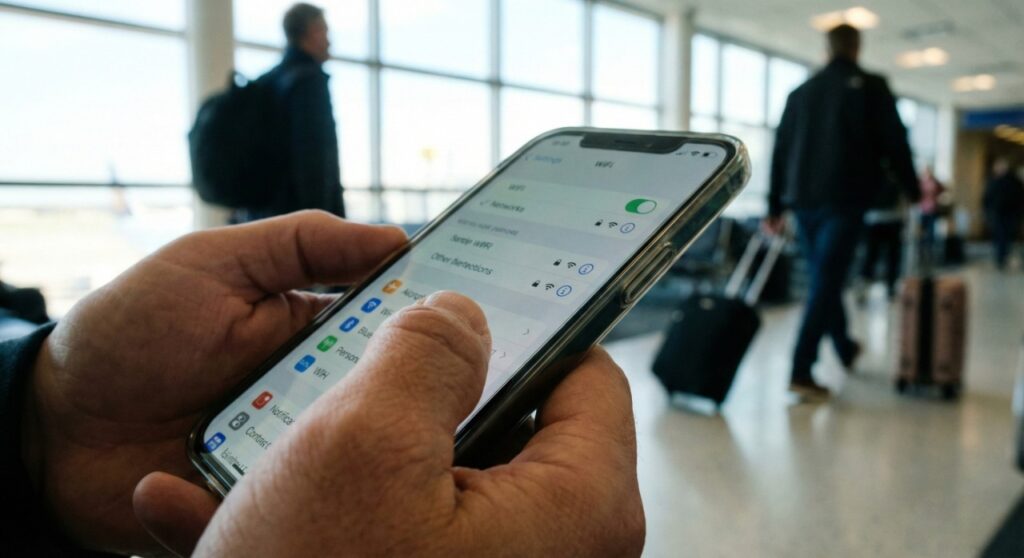
For most tourists, spotty free VPNs on a phone are no longer the only path. A China travel eSIM routes traffic through the carrier’s home network (usually Hong Kong, Singapore, or Japan)—so it exits outside mainland filtering.
Why Trip.com’s eSIM is the common pick
Routing latency matters. Some generic eSIMs hairpin traffic to Europe or the US and feel sluggish. Trip.com plans often route via Hong Kong—snappy enough for maps and messaging while still bypassing censorship. Deeper picks: best eSIMs for China.
- Roaming advantage: Turn on data roaming; Google, Instagram, and WhatsApp often work without opening a VPN app.
- The catch: Many plans are data-only—no +86 number for some bike-share signups (Alipay still works with foreign numbers).
- Action: Scan the QR on home Wi-Fi before you fly; it stays dormant until landing.
The old guard: when you still need a VPN
eSIMs fix your phone on cellular—not your laptop, iPad, or Kindle on hotel Wi-Fi. Connect a MacBook to Shanghai hotel Wi-Fi and you are back behind the wall. To check your work email, access Google Drive, or watch Netflix on your laptop, you need an encrypted tunnel.

Surfshark and obfuscation
Authorities actively block plain OpenVPN handshakes. Free VPNs often fail. You want obfuscation that disguises VPN traffic as normal HTTPS. Surfshark NoBorders mode is built for restrictive networks; compare others in best VPNs for China.
- Download and subscribe before you enter China—Surfshark’s site is blocked inside the country.
- If the default protocol fails: Settings → VPN Settings → try OpenVPN (TCP) or WireGuard.
- Legal grey area for tourists: see VPN rules for visitors.
Comparison: eSIM vs VPN at a glance
| Feature | Roaming eSIM | VPN |
|---|---|---|
| Primary device | Phone (iPhone/Android) | Laptop, iPad, Mac, PC |
| Connection | 4G/5G cellular | Hotel or public Wi-Fi |
| Bypass method | International routing (via HK) | Encrypted tunnel |
| Reliability | Very high (~99%) | Variable (cat-and-mouse) |
| Battery | Normal usage | Higher (background app) |
| Setup | Scan QR code | Pre-install before flight |
| Best for | Maps, translation, social | Work email, Netflix, long streaming |
The hybrid strategy (what pros actually use)
Do not rely on a single point of failure.
- Mobile layer: Trip.com or Airalo eSIM for walking-around maps, Alipay, and messaging—works out of the box with roaming on.
- Stationary layer: Surfshark on phone and laptop at the hotel for Gmail, streaming, and banking on Wi-Fi without burning eSIM data.
Hotel Wi-Fi warning
Even if you only need Chinese apps, encrypt banking sessions on hotel networks—assume shared Wi-Fi is monitored.
Booking trains while connected? How to book China trains on Trip.com. First day in country: first-hour app setup and packing list.
Survival phrases: “I need Wi-Fi”
- Does this Wi-Fi work for foreigners? 这里的Wi-Fi外国人能用吗? (Zhèlǐ de Wi-Fi wàiguórén néng yòng ma?)
- What is the password? Wi-Fi 密码是多少? (Wi-Fi mìmǎ shì duōshǎo?)
- Internet is very slow / I cannot connect. 我的网速很慢 / 连不上网。 (Wǒ de wǎngsù hěn màn / lián bù shàng wǎng.)
FAQ: Great Firewall troubleshooting
What is the Great Firewall of China?
China’s national internet filtering system blocks many foreign sites and apps (Google, Facebook, WhatsApp, Instagram, etc.) on mainland networks.
Can an eSIM bypass the firewall without a VPN?
Often yes on your phone—travel eSIMs that route via Hong Kong or Singapore exit outside mainland filtering. It does not help laptops on local Wi-Fi.
Do I still need a VPN if I have a travel eSIM?
Yes for hotel Wi-Fi, tablets, and laptops. Most travelers use both layers.
When should I install VPN or eSIM?
Before you enter China. VPN sites and some app stores are blocked once you are inside.
Can I use AT&T or Verizon roaming?
It usually bypasses the firewall but costs far more ($10+/day). A Trip.com China eSIM is often $1–2/day.
Will WhatsApp work?
With eSIM or VPN, yes. Without them, no—SMS still works, but data-based chat apps are blocked.
How do I check flights if Google is blocked?
Use Trip.com flights—it works inside and outside the firewall.
Before you fly
Download Surfshark on every device. Buy and install your eSIM QR on home Wi-Fi. Test both once—not at the airport gate when stress is highest.